

CUSTOMFIT360! ONLINE PERSONAL TRAINER APP
CustomFit360! is excited to offer online training! Ask yourself these questions: are you delaying getting back into the gym because don’t have the time to dedicate yourself to a set training schedule? Does the thought of adding another appointment to your busy schedule sound like too much? Or maybe you already have a place you enjoy working out in but need a little help changing up your routine to maximize your results. Online training is an incredible value, it’s location independent and you STILL get individualized programming with a CustomFit360! nationally-accredited certified trainer.




HOW TO GET STARTED
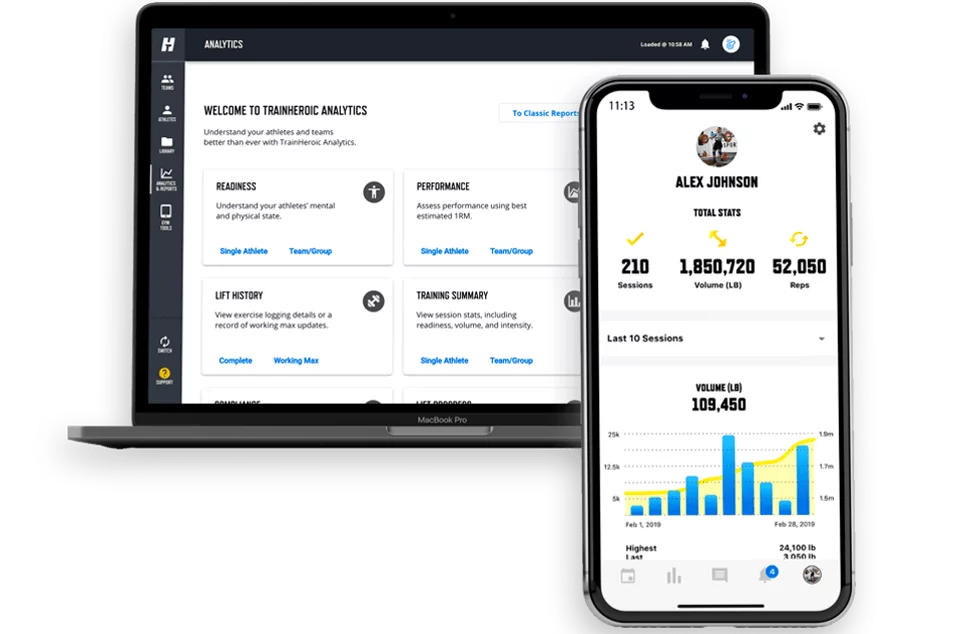
We use state of the art software with personalized programming PLUS you’ll have access to:
- a downloadable app in which to track progress
- nutrition consulting and guidance
- weekly goal setting sessions and review with your personal trainer
- Consistent support from your trainer via email, text and phone
STEP 1:
- The first step is to select a fitness program “HERE”
- After you purchase a program. You will receive a confirmation email from us with your purchase information along with the instructions to download the personal trainer app, app download link and your access codes for program selected.
- Then simply click the link to download the Personal Trainer App


STEP 2:
- On the App, create and setup a new account
- Then go to your Settings section and click “My Training”
- Add the access code provided in email sent to you
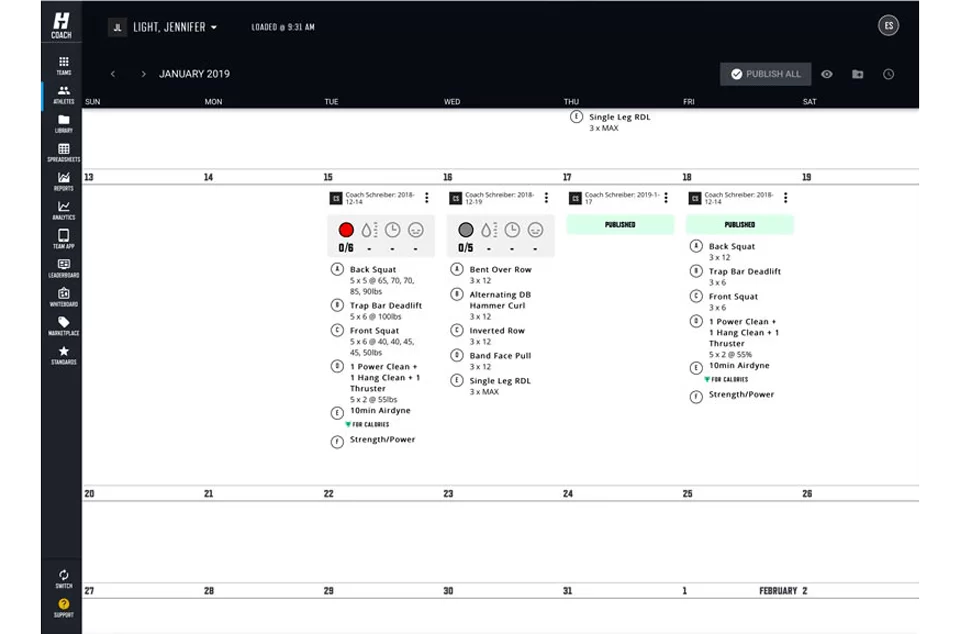
- #BOOM! After you completed the setup, your fitness programs will be available to view in your calendar.
The email you will receive will look like the sample below:
CONFIRMATION EMAIL
Once you’ve purchased your online fitness program you’ll receive an email confirmation similar to the one below. Basically it’ll provide you an access code, the link to download the App (iOS or Android) and then guide you through the steps on getting your online fitness training started. #BOOM!
You will need to follow a few simple steps:
- Download the app “TrainHeroic”
- Create a new account
- Go to your settings and click “My Training”
- Add the access code
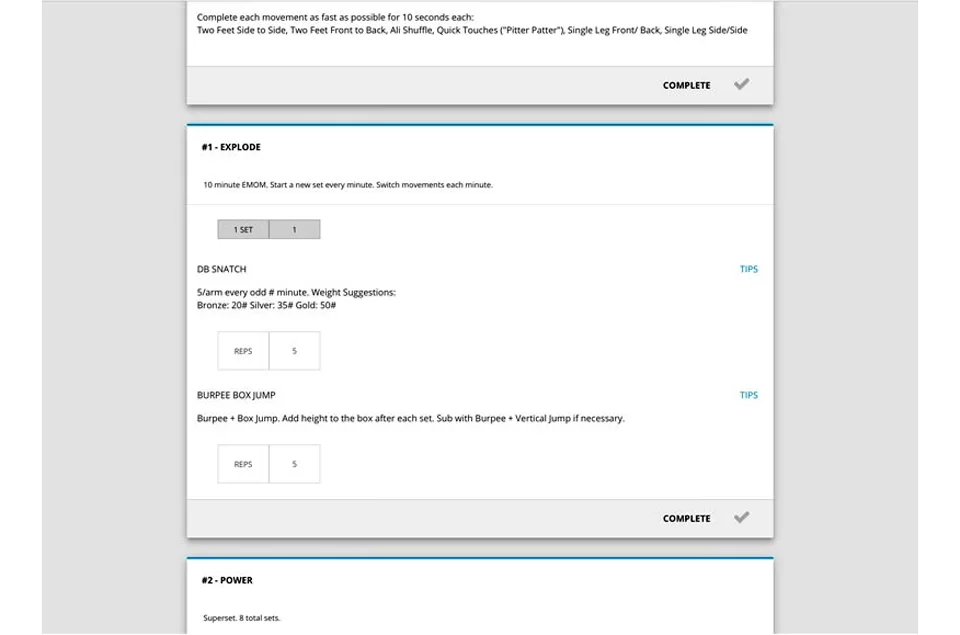
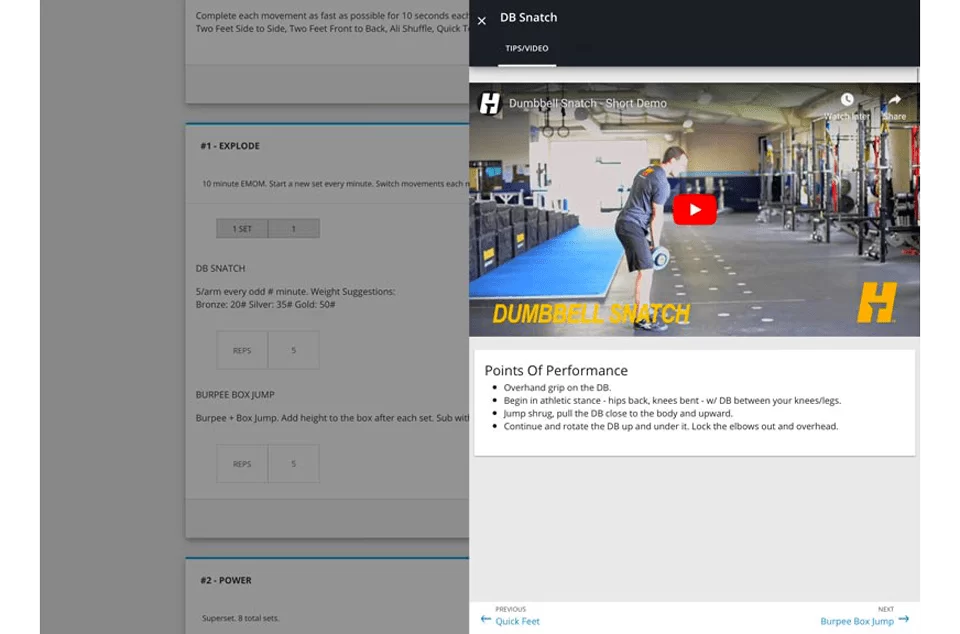
Once you follow these steps, your program will be available to view in your calendar. You will be able to view each individual movement with “how to” videos and be able to keep track of everything from the weight you use to your mood during the workout. If you have any questions, please contact @Erin or chat with us directly through the app.